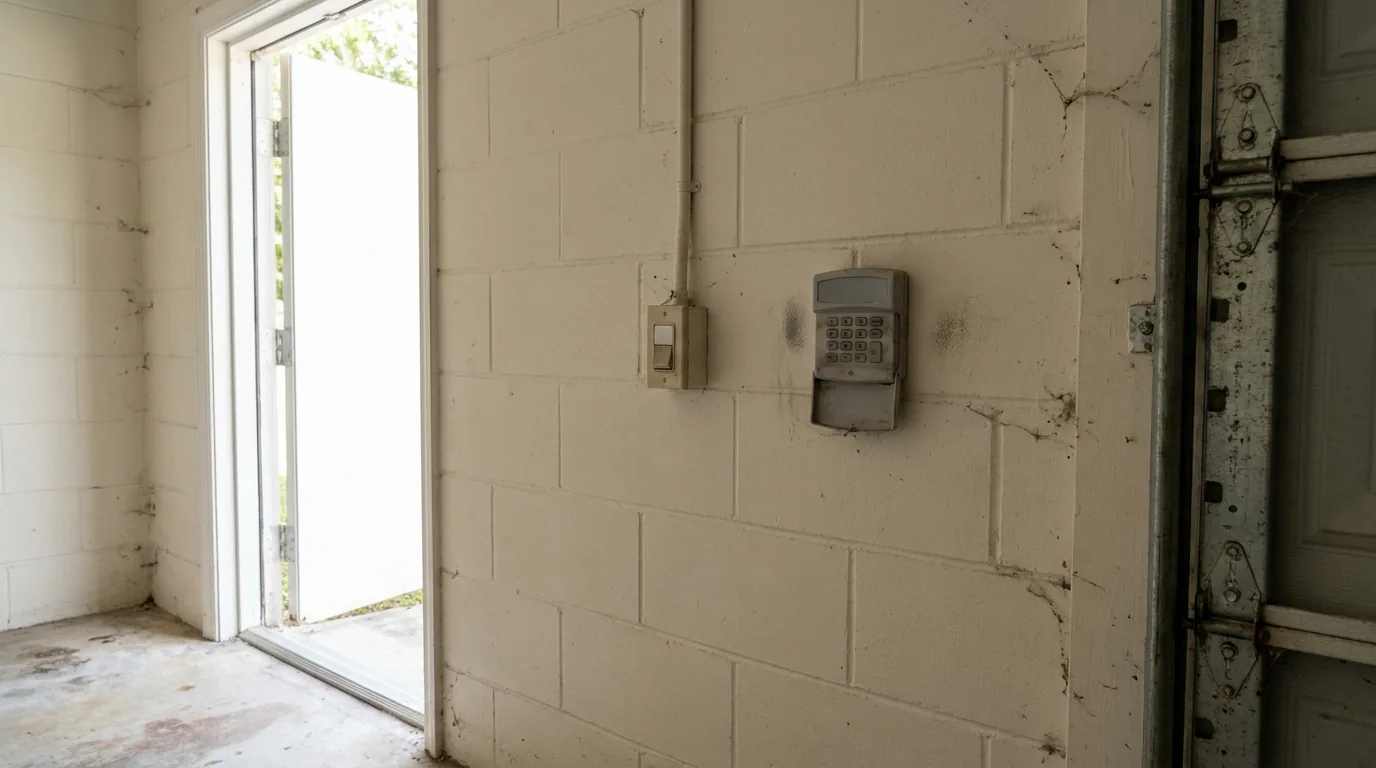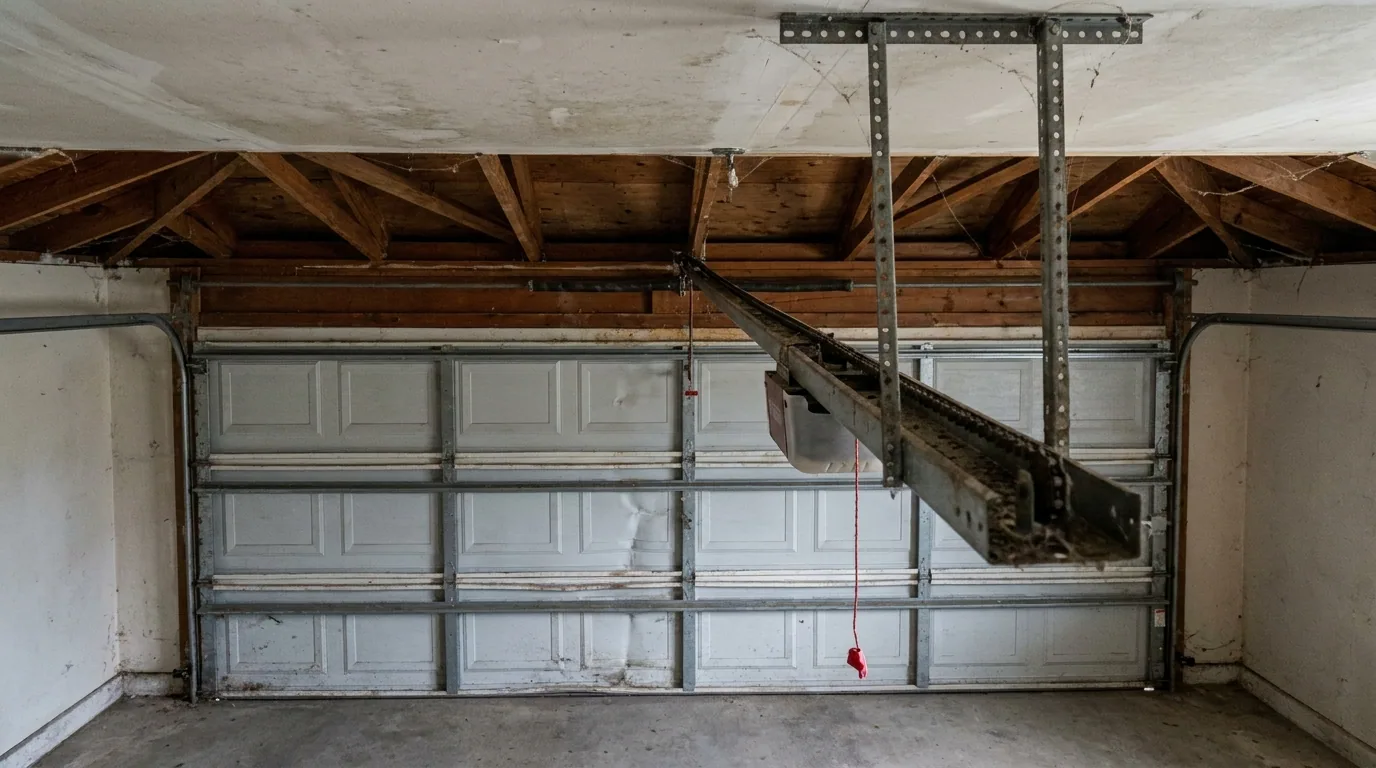
A power outage does two things to a garage door opener. It clears whatever the opener was doing at that moment, and on some units it clears the memory that holds the keypad code. When the lights come back on and the wall button works but the keypad does nothing, that lost code is the first thing to rule out. It is also the easiest thing to fix, and it does not require touching the springs, the cables, or anything on the door itself. This article walks through reprogramming in the order that works, then covers what to check when a fresh programming attempt fails, and how to tell a keypad problem from an opener problem.
First, confirm the opener itself came back
Before you spend time on the keypad, make sure the opener is fully awake. Press the wall button inside the garage and watch a complete open and close cycle. If the door runs normally from the wall button, the opener, the springs, and the travel settings are all doing their jobs, and the problem is confined to the keypad or the opener's radio receiver. If the wall button also does nothing, stop here. That is a different problem, and it belongs in a call to a technician rather than a keypad procedure.
While you are at the wall button, check the obvious: the opener is plugged in, the circuit breaker for the garage is on, and any surge protector between the opener and the outlet has not tripped. A power outage that was long enough to clear a code was often long enough to trip something upstream as well.
Reprogramming the keypad
Every opener brand uses a slightly different sequence, but the shape of the job is the same: put the opener into programming mode, then send the keypad's code to it. The steps below cover the common pattern. Your opener's manual, or the label inside the opener's light cover, gives the exact button presses for your model.
- Open the garage from inside. Use the wall button, and leave the door open while you work so you are not standing under a closed door.
- Find the learn button on the opener. It is usually under the light lens or on the back panel, and it is often a small colored button. Press and release it. The opener's light or a small LED will blink or come on to show it is listening.
- Enter your code on the keypad within the window the opener allows, usually about 30 seconds. On most keypads you enter the four-digit code and press and hold the enter or send key until the keypad flashes or the opener clicks.
- Watch for confirmation. The opener's light will blink or the unit will click once the code is accepted. Press the learn button a second time if your manual calls for it to close programming mode.
- Test from outside. Close the door from the wall button first, then use the keypad to open it. Testing with the door already closed is the only way to confirm the keypad is actually talking to the opener.
If you have a second keypad or a remote that still works, program the keypad again using the same learn button procedure. A remote that survived the outage confirms the opener's receiver is fine and narrows the fault to the keypad.
When the keypad will not take the code
A keypad that refuses to program is telling you something, and there are a few places to look. Work through these before deciding the keypad is dead.
- The battery. Most keypads run on a small coin cell or a pair of AA batteries behind the cover. A weak battery can leave the buttons feeling responsive while the radio signal is too faint for the opener to hear. Replace it and try the programming sequence again from the start.
- The buttons themselves. Press each digit slowly and listen or watch for the keypad's own light or beep. A single dead button will make a correct code fail every time.
- The learn window. If too much time passes between pressing the learn button and sending the code, the opener stops listening. Have the code ready in your head before you press learn.
- The keypad's mounting. A keypad that has taken on water or worked loose from its screws can lose contact internally. If the cover is cracked or the housing moves when you press a key, that is worth noting.
- A different receiver channel. Some openers hold more than one code and a power event can leave the memory in an unexpected state. Clearing the opener's memory and reprogramming every remote and keypad from scratch resolves this, but it also wipes the remotes, so plan to redo all of them in one sitting.
How to tell a failed keypad from a failed opener
The test that separates the two is the remote. If a handheld remote still opens the door, the opener's receiver is working and the keypad is the part at fault. If neither the keypad nor any remote responds, but the wall button works, the receiver side of the opener is the suspect, and that is technician work inside the unit.
It is also worth knowing that a keypad which powers up, lights its buttons, and beeps but never moves the door has usually lost its code, not its electronics. A keypad that is completely dark after a fresh battery is a different situation. Keypads sit outside in the weather, and the housing, the battery contacts, and the circuit board inside are all exposed to it. When a keypad has been in place for years and stops responding to every programming attempt, replacement is often the practical answer rather than further troubleshooting.
Where the work stops
Everything above happens at the keypad and the opener's learn button, and none of it requires you to touch the door's springs, cables, or the opener's drive train. If the door itself starts behaving oddly after the outage — sitting crooked, feeling heavier in normal use, or making a new noise at the start of a cycle — that is separate from the keypad and should be looked at by a technician. The springs and cables are under load, and the technician is the one who inspects them.
If reprogramming does not bring the keypad back, or if the opener's receiver turns out to be the problem, The Broken Spring Garage Door Repair LLC serves Sunrise, Fort Lauderdale, Tamarac, Plantation, Coral Springs, and Weston. The company is licensed and insured, and can be reached at 954-414-9504 or info@thebrokenspring.com. Office hours are Monday through Friday, 7:00 AM to 7:00 PM, and Saturday and Sunday, 8:00 AM to 6:00 PM, with emergency service available.